Free disk cleaner for Mac
Free up
disk space.
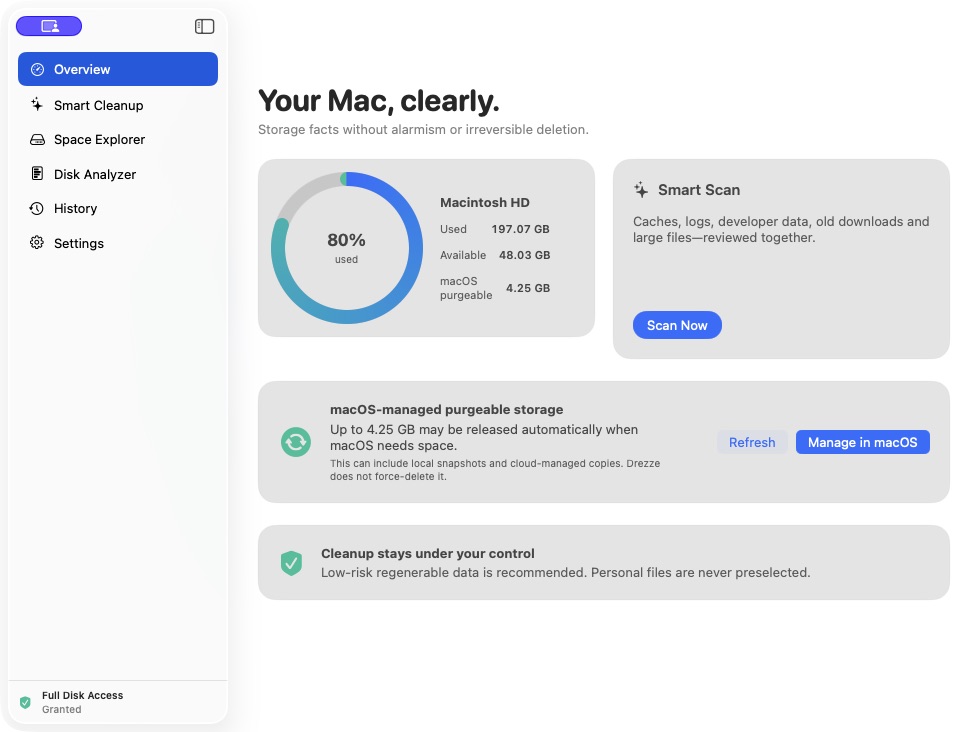
Drezze scans your Mac storage, helps you find large and unnecessary files, and safely moves only the items you review to the Trash.
macOS 13+ · Apple silicon & Intel · Free forever
Product tour
Every feature,
in the open.
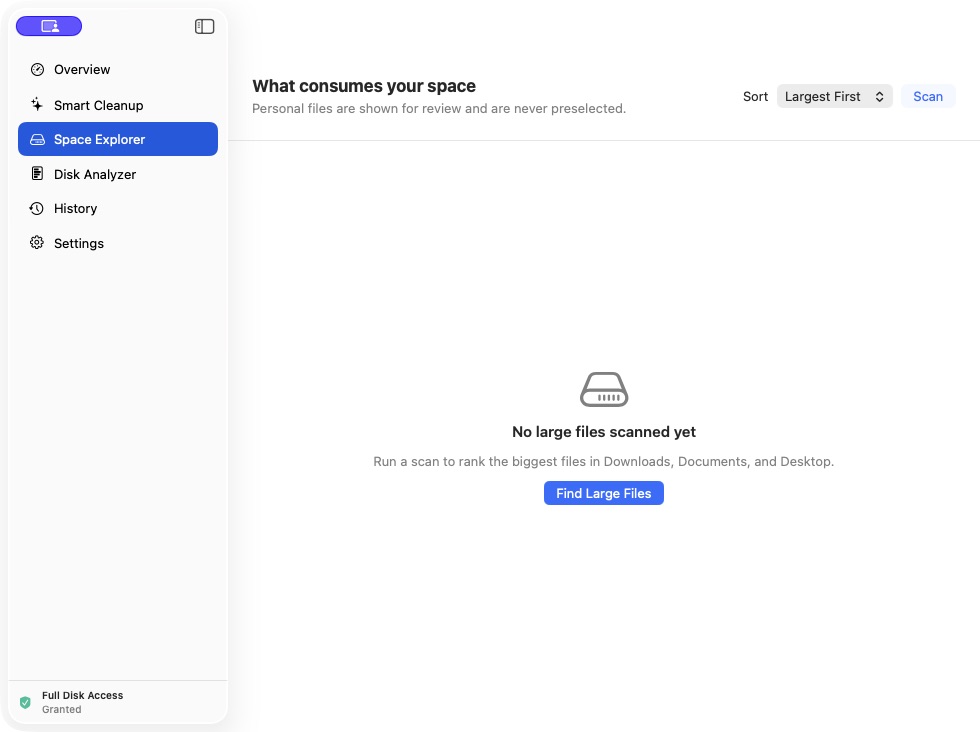
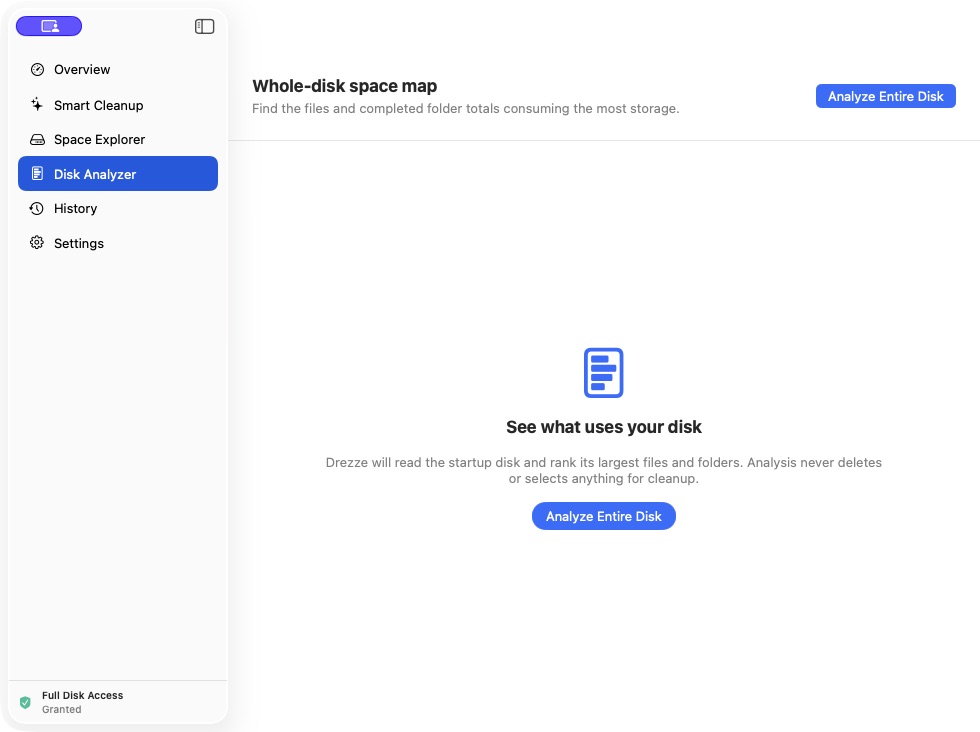
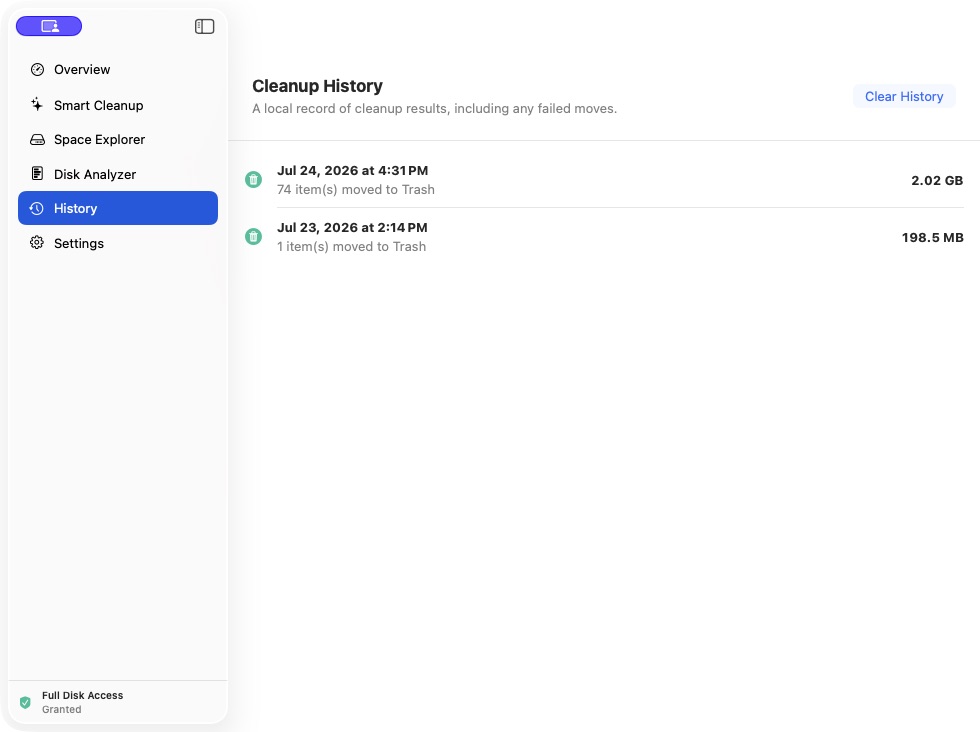
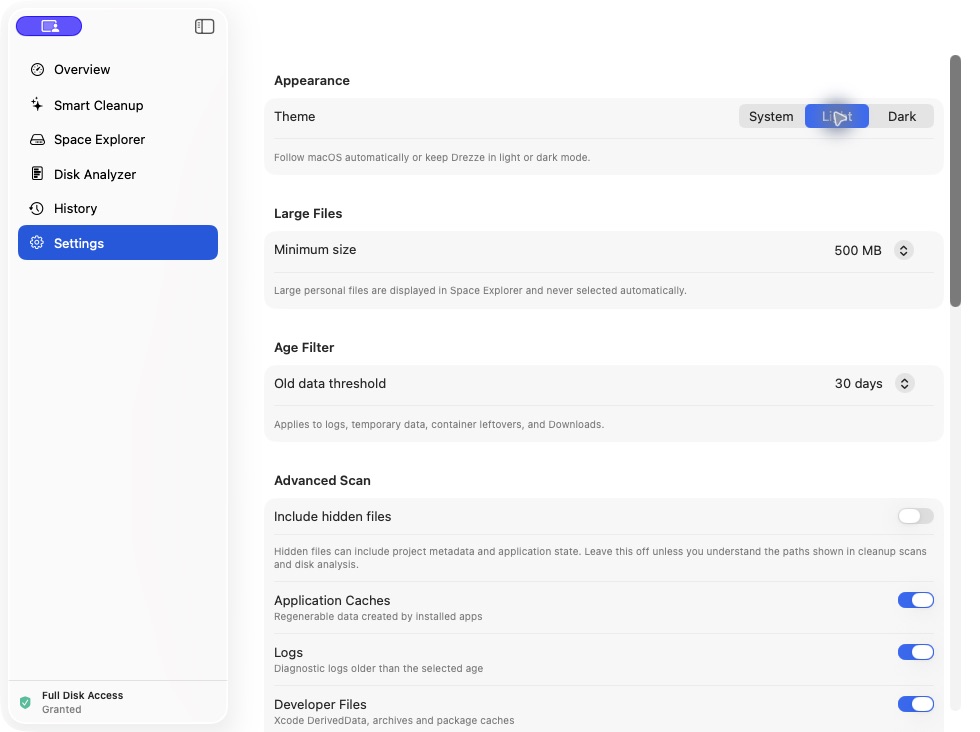
Meet the tools that turn a crowded drive into clear, confident cleanup decisions.
Quick tutorial
From install
to cleanup.
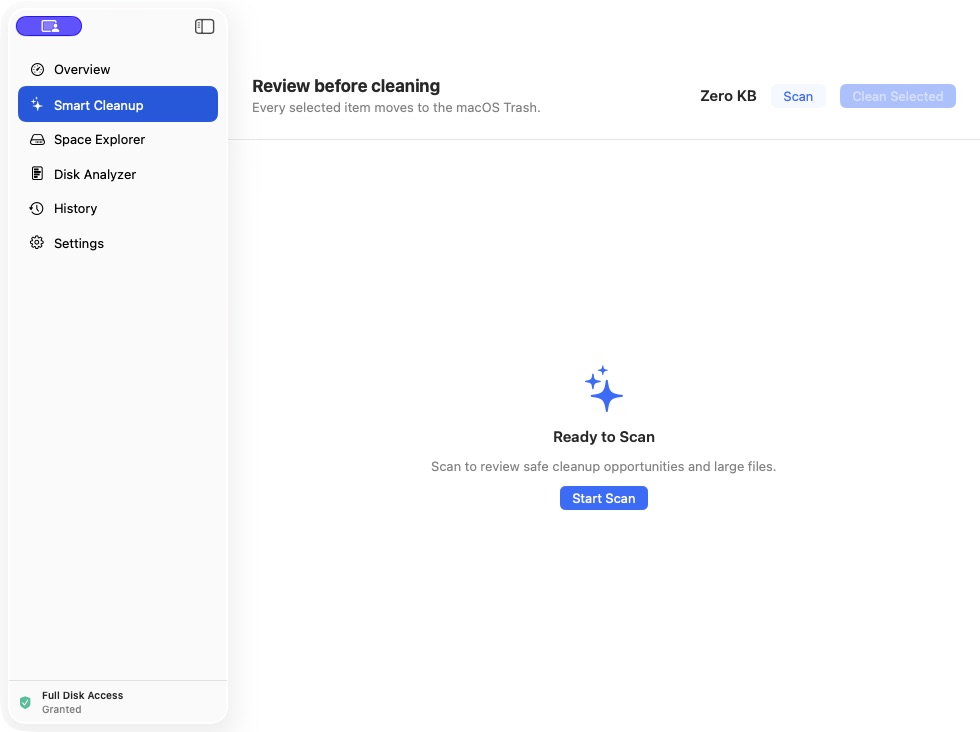
Drezze keeps discovery and deletion separate. Start by understanding the results; clean only after reviewing them.
- 01
Install and open
Use the signed DMG, app ZIP, Homebrew, or curl. Move Drezze to Applications and open it normally.
- 02
Grant access when needed
Full Disk Access lets Drezze read protected locations. Open Settings from the app, enable Drezze, then refresh the permission status.
- 03
Scan and inspect
Start with Smart Cleanup. Expand categories, inspect paths and sizes, and leave anything uncertain unselected.
- 04
Clean selected items
Choose only the results you understand. Drezze validates paths and moves approved items to the macOS Trash for recovery.
Project resources
Follow every release.
Private by design
Your files stay
on your Mac.
Drezze has no accounts, analytics, advertising, telemetry, or cloud backend. Scans run locally and cleanup moves reviewed items to the macOS Trash.
Read about privacy →
Free forever
Ready to free up Mac storage?
Install the signed and notarized disk cleaner using a direct download, Homebrew, or curl.