Video coming soon. Start with the reading below.
We start by looking at how each notification type works at a high level.
iOS push notification
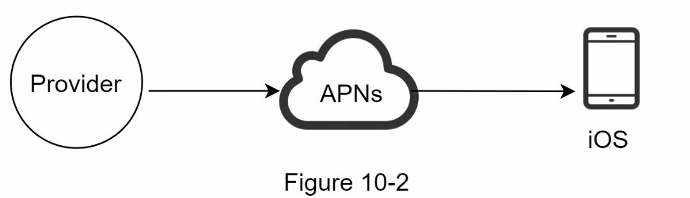
We primary need three components to send an iOS push notification:
- Provider. A provider builds and sends notification requests to Apple Push Notification Service (APNS). To construct a push notification, the provider provides the following data:
- Device token: This is a unique identifier used for sending push notifications.
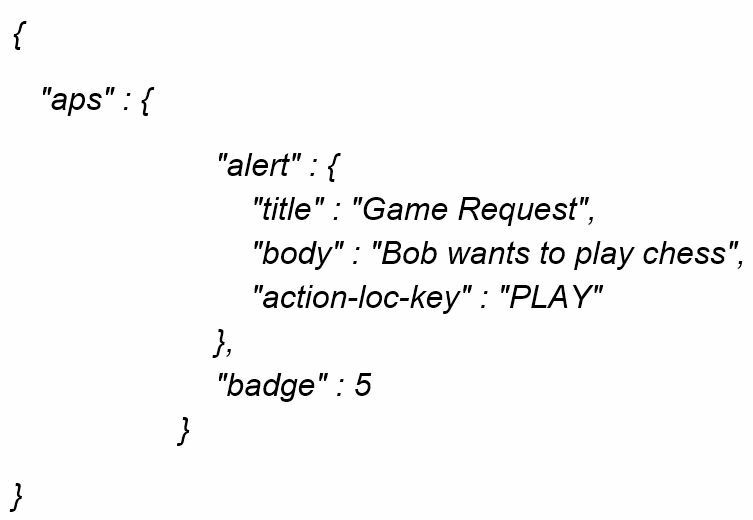
- Payload: This is a JSON dictionary that contains a notification’s payload. Here is an example:
- APNS: This is a remote service provided by Apple to propagate push notifications to iOS devices.
- iOS Device: It is the end client, which receives push notifications.
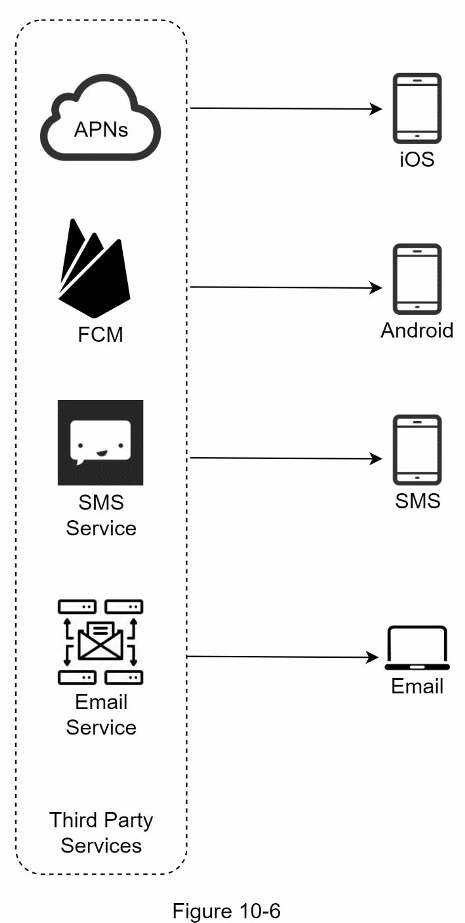
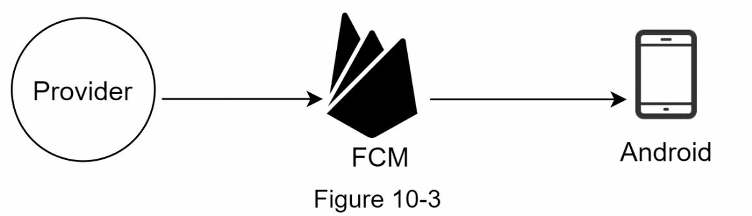
Android push notification Android adopts a similar notification flow. Instead of using APNs, Firebase Cloud Messaging (FCM) is commonly used to send push notifications to android devices.
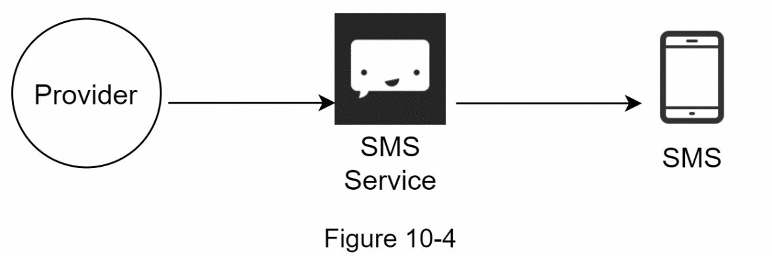
SMS message For SMS messages, third party SMS services like Twilio [1], Nexmo [2], and many others are commonly used. Most of them are commercial services.
Email Although companies can set up their own email servers, many of them opt for commercial email services. Sendgrid [3] and Mailchimp [4] are among the most popular email services, which offer a better delivery rate and data analytics.
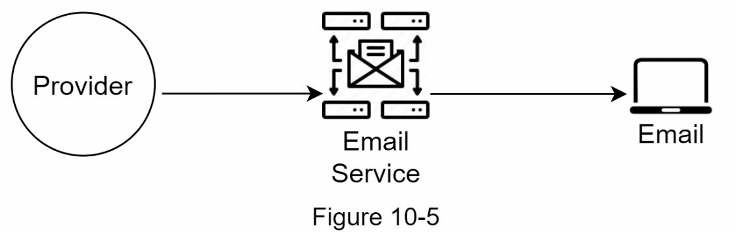
Figure 10-6 shows the design after including all the third-party services.